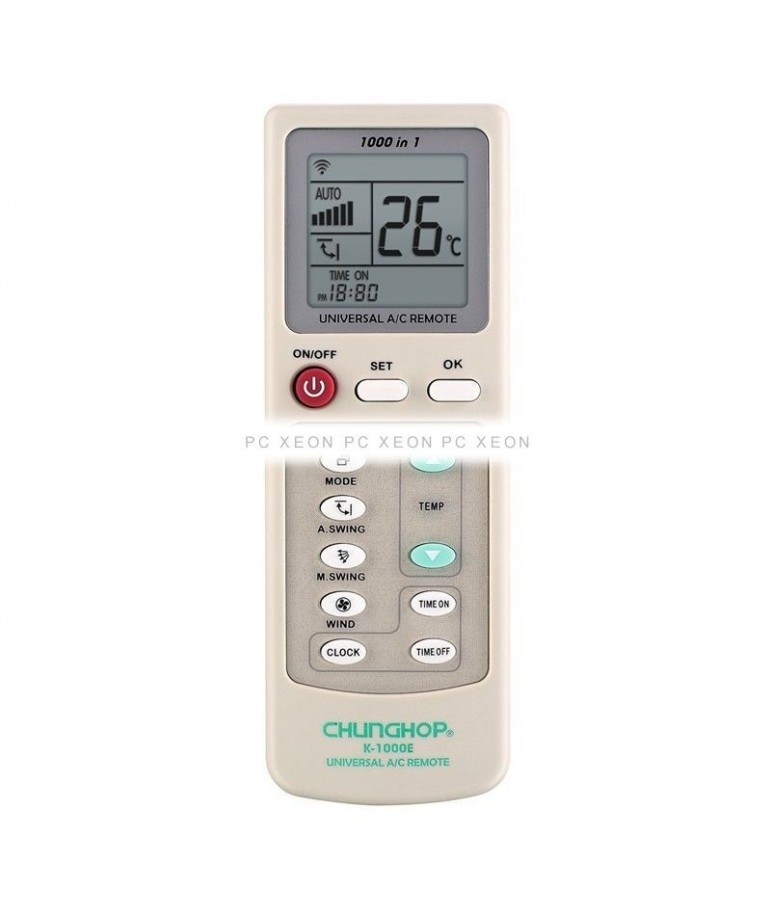
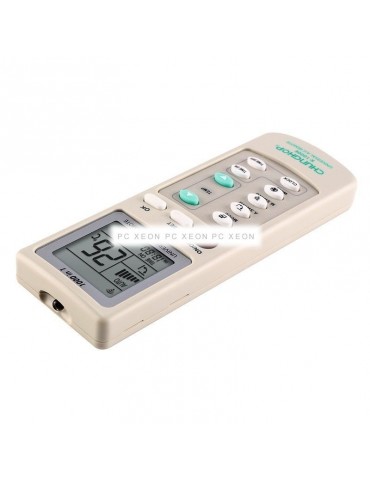
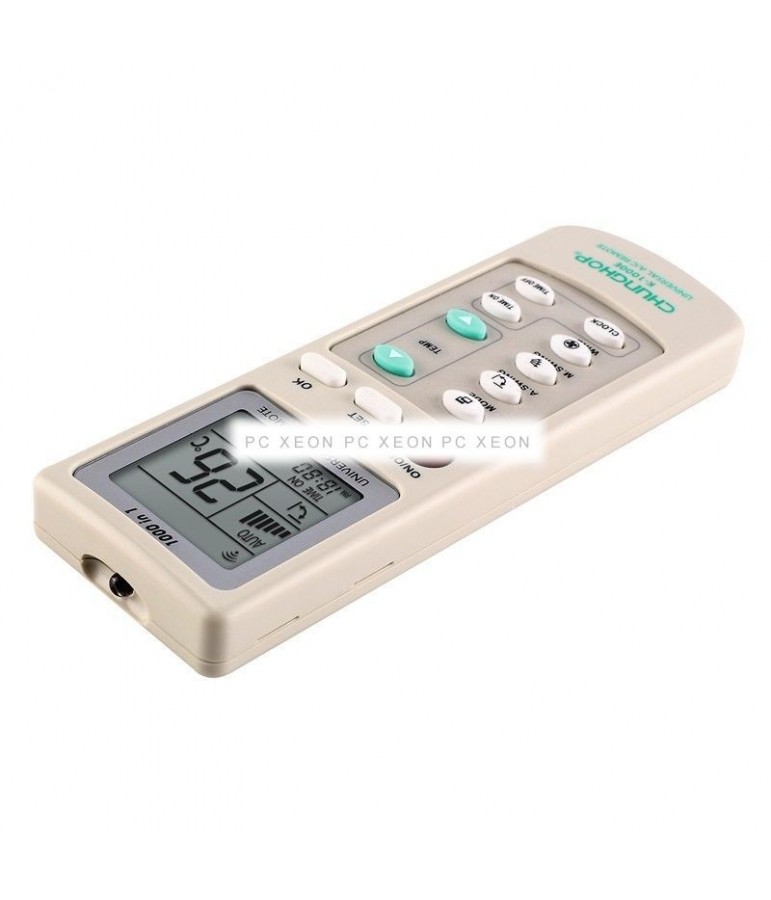
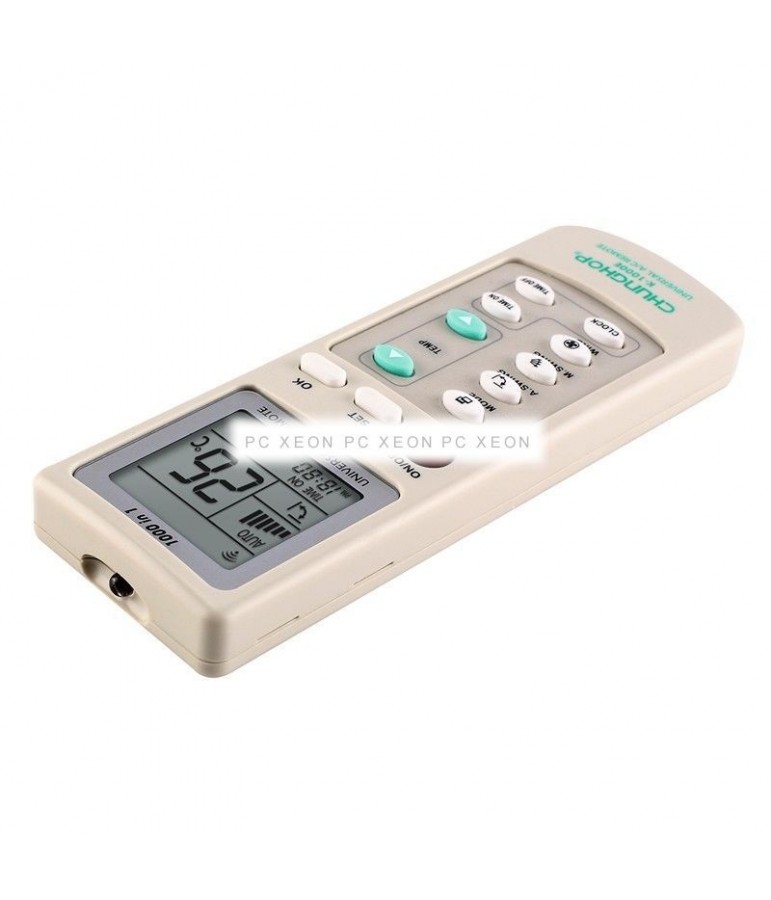
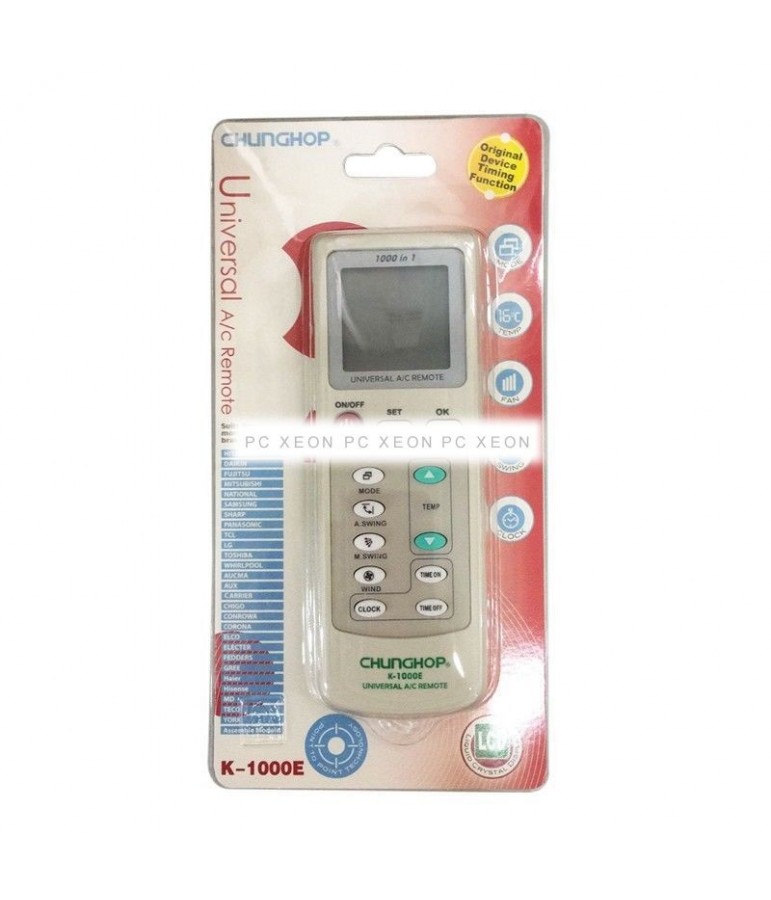
1000 in 1
Memory function even without food
Manual and automatic search
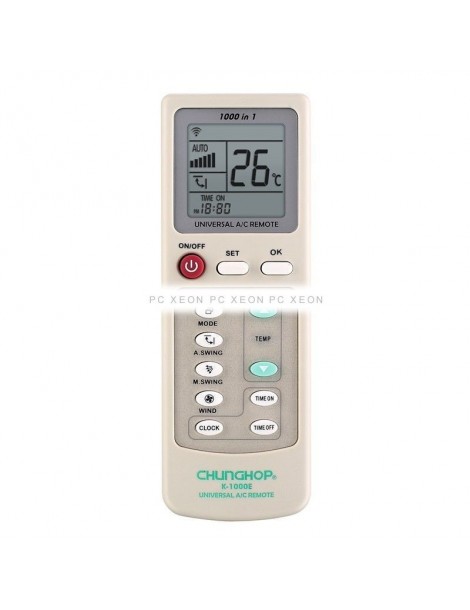
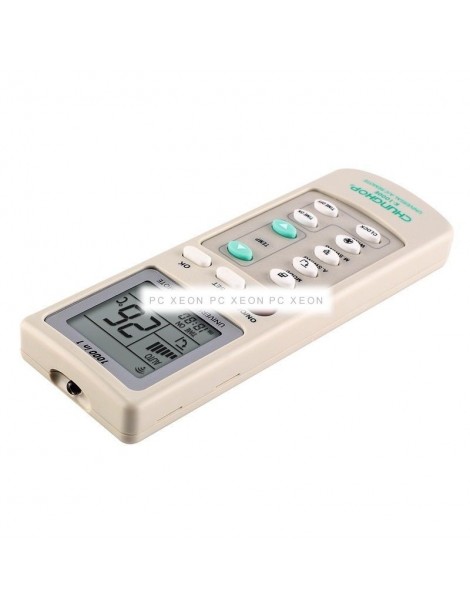
Complete functions
Nice touch
Timer function for off / on
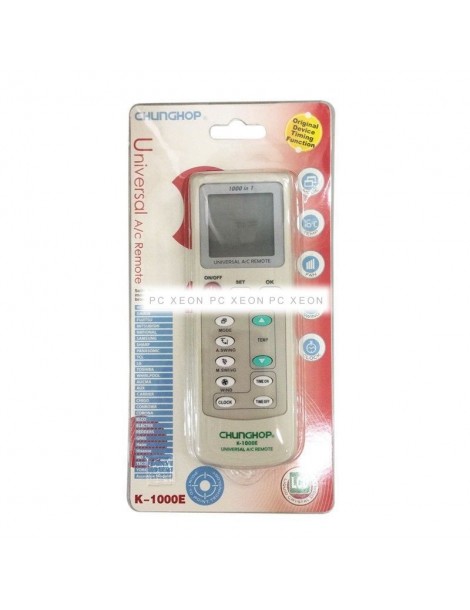
Compatibility: A/C universal
Transmission distance: 8m
Material: ABS
Feeding: 2 AAA batteries
Size: 160 x 56 x 17mm
Weight: 85g
INSTRUCTIONS:
- Enter the batteries in the universal command.
- Press the power button. At this point, the control screen should switch on. If you don't, check the battery load.
- Once on the display (screen) of the control, you can observe at the bottom right a number of three figures.
- Press the "SET" button until the 3-figure number starts to perform a progressive account. (This is, the command analyzes frequencies one by one)
- At the time the command passes by the frequency of its air conditioning, it emits some kind of beep. Right now, press the "SET" button again to stop looking.
- If you have given time to stop it right at the frequency of your air conditioning press "OK" and your command should work now. If not, you will only have to use the arrows of your command to move forward or backward to the correct frequency (where the air conditioner will reissue a sound), once in the proper frequency, press the "OK" button.
- Check that all command functions work properly and if not, re-start the process and test at other frequencies (there is usually more than one available).